RATE-LIMITED SERVER 200 MB
Up to 15xfaster than a single connection
JMacy3.28s
1 connection49.96s
Elapsed download time. Lower is better.
Native Mac download manager
16 parallel connections. Browser capture. Torrents built in.
7-day free trial. Full features. No card.

01 / The numbers
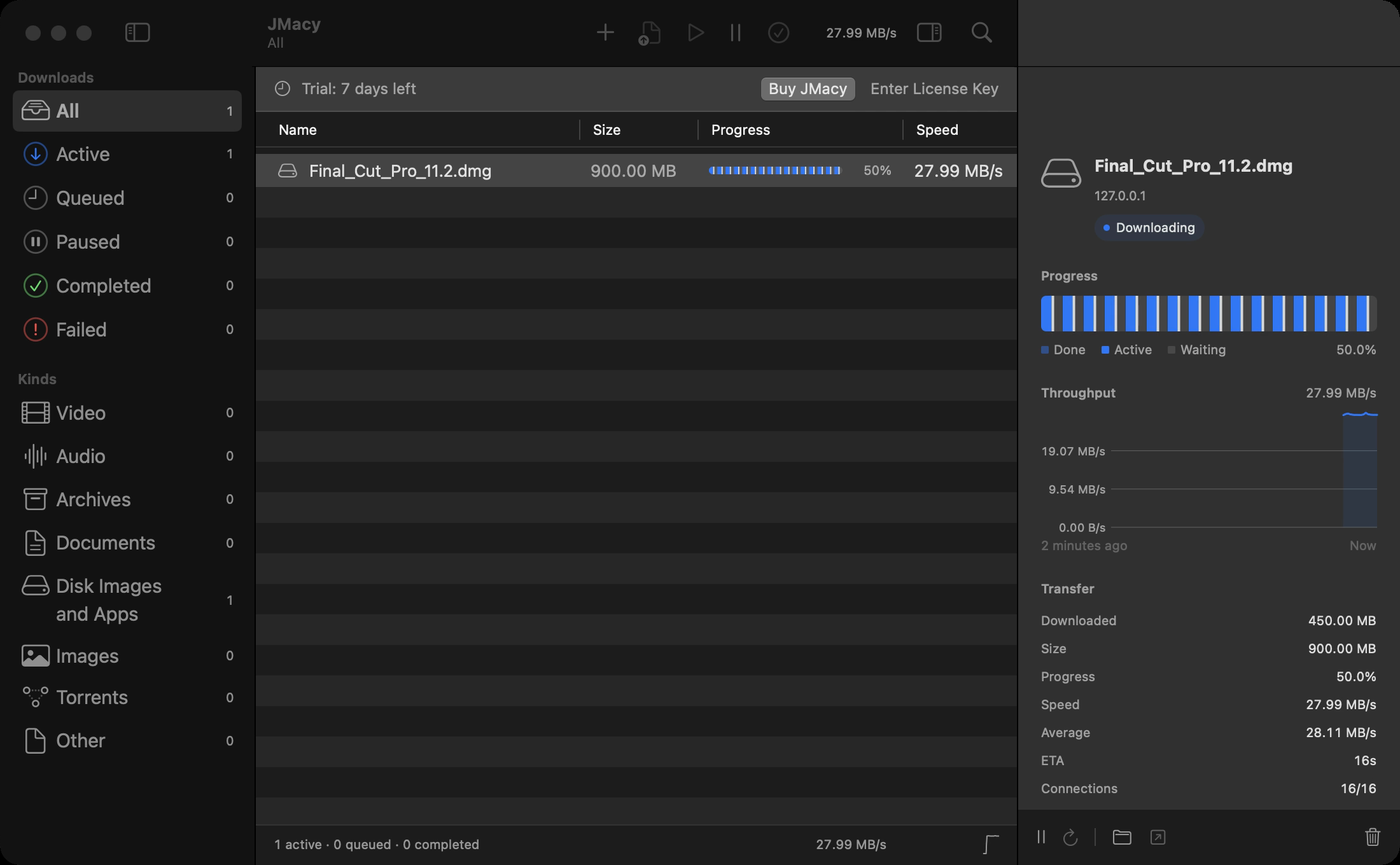
16 connections per file. Dynamic re-splitting.
Here’s what that looks like on the clock.
RATE-LIMITED SERVER 200 MB
Elapsed download time. Lower is better.
REAL INTERNET Tele2 · 100 MB
Default settings. Elapsed download time. Lower is better.
Measured in the conditions shown. Download speeds depend on your connection and the server.
02 / The details
Built for the interruptions, limits, and little things
that come with downloading.
16 parallel connections with dynamic re-splitting. When a server limits connections, JMacy backs off instead of stalling.
Pause now. Resume later. Your downloads can resume after a crash or power loss, too.
Verify downloads with SHA-256. Combine servers with mirrors.
Speed in your menu bar. Notifications when you need them. A badge in your Dock.
A clipboard watcher and jmacy:// links bring downloads into JMacy.
No telemetry. No account to create. Read exactly what the app sends.
03 / Browser capture
Capture downloads and media from the page you’re on. They appear live in JMacy.
Cookies from the downloading site come along, so logged-in downloads work.
Chrome Web Store Download extension (ZIP)
Set up your browser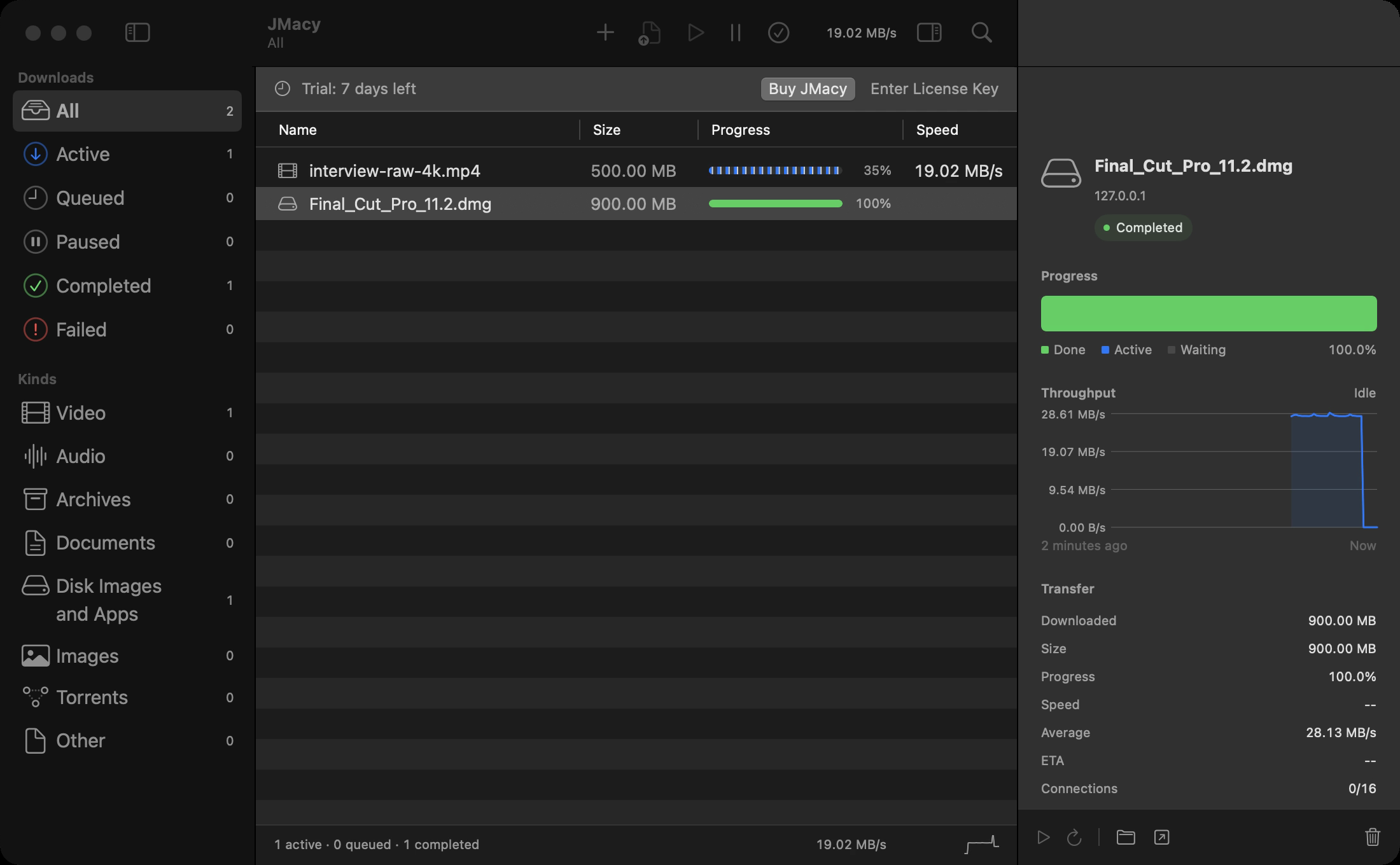
04 / Torrents, included
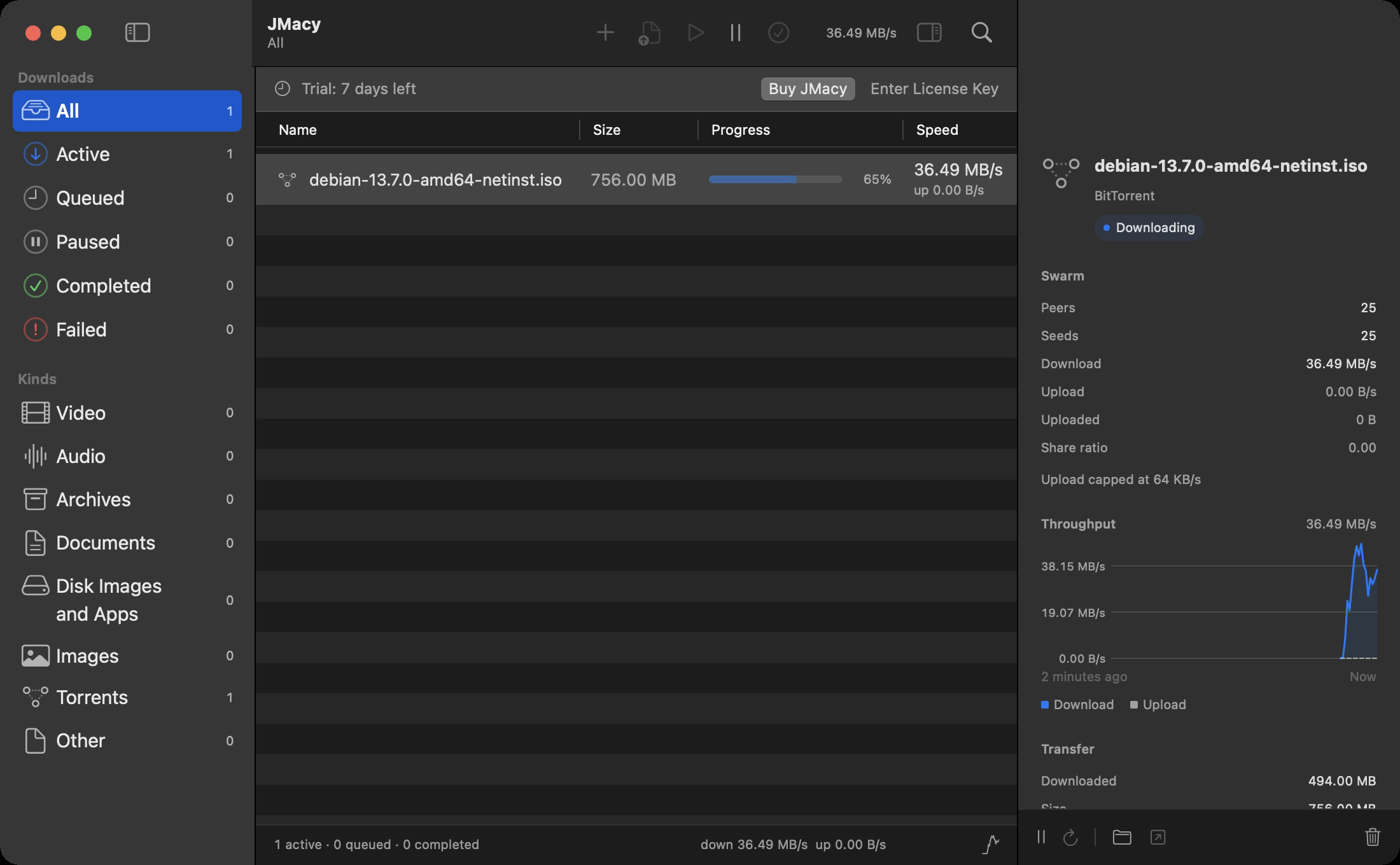
Open magnet links and .torrent files in JMacy. Set your upload limit. No forced seeding.
Measured downloading a 756 MB Debian ISO. The screenshot shows one moment during a download.
05 / Yours to keep
Try every feature for 7 days.
No card needed to get started.
 JMacyFor your MacONE-TIME
$24pay once
macOS 14+ · Apple silicon
Download JMacy and try the full app for 7 days. All features are included. No card is required.
You can get your money back within 14 days. Contact support@greycorelabs.com for a refund.
Your $24 license covers up to 3 Macs. See license help to activate on another Mac or deactivate a Mac.
Yes. Magnet links and .torrent files are built in, with an upload limit you control and no forced seeding. Use JMacy for content you have the right to download.
Yes. The browser extension supports Safari, Chrome, Aside, Brave, Edge, Arc, and Vivaldi. See browser setup.
Yes. Your one-time purchase includes free updates for JMacy 1.x.
Download JMacy directly from this site as a signed and notarized Mac app. If you need details about sandbox requirements, contact Greycore Labs.
Quit JMacy, then move the app from Applications to the Trash. Remove the JMacy extension from your browser’s extension settings. To deactivate a Mac on your license, see deactivation help.